
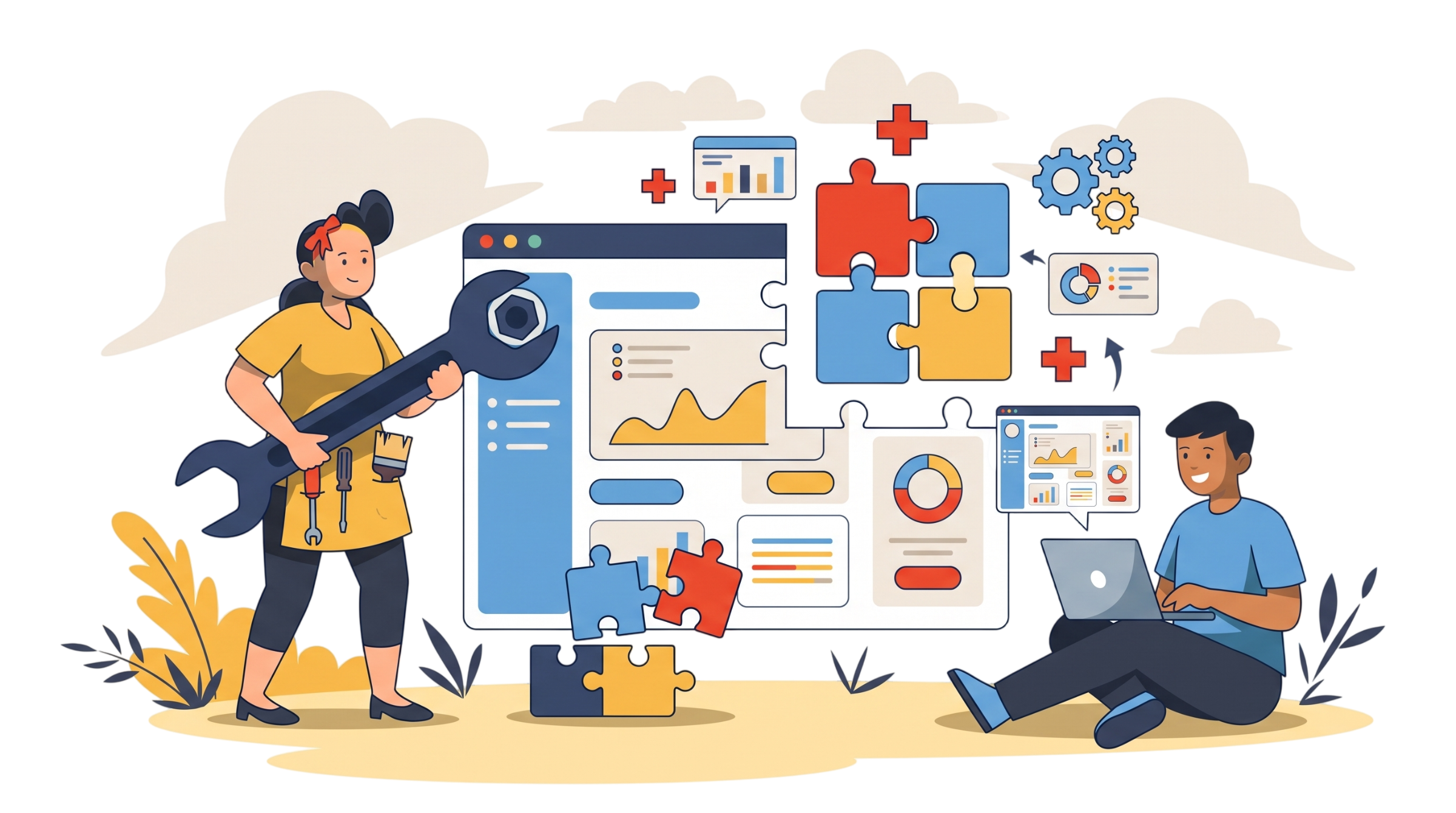
Custom Internal Tools
The dashboard your ops team is missing. The Chrome extension saving your sales reps 2 hours a day. The admin tool nobody had time to build. I've been there: I was the user of tools that didn't exist. I know what makes a tool get adopted or abandoned.
What I build
Chrome extensions
They plug directly into the tools your team already uses. No new login, no new tab. The extension adds an automation layer right where it matters.
Ex: StoreManager, app store deployment 120x faster
Dashboards & admin apps
The data exists, but it's scattered across 5 tools. A dashboard centralizes it, formats it, and lets you act on it directly.
Figma plugins
Automatic translation, content management, CMS connection. For design teams losing time on repetitive tasks.
Ex: Frame Translator, Figma translation in 40+ languages
CLIs & developer tools
For technical teams who want command-line tools integrated into their Git/CI workflow. Fast to use, documented, maintainable.
Why internal tools fail (and how I avoid it)
No adoption: the tool is too complex, requires too big a habit change. I build tools that integrate into existing workflows, not replace them.
Too ambitious: V1 takes 3 months to ship and no longer matches the need. I deliver a first version in days. We iterate on reality.
Not maintained: the dev who built it left. I document, I train, and I stay available 30 days after delivery.